






 Support our online development, and advance our onground research initiatives in free market economics, as we seek to showcase the brightest Next-Gen minds.
THE ME-P DISCLAIMER: Posts, comments and opinions do not necessarily represent iMBA, Inc., but become our property after submission. Copyright © 2006 to-date. iMBA, Inc allows colleges, universities, medical and financial professionals and related clinics, hospitals and non-profit healthcare organizations to distribute our proprietary essays, photos, videos, audios and other documents; etc. However, please review copyright and usage information for each individual asset before submission to us, and/or placement on your publication or web site. Attestation references, citations and/or back-links are required. All other assets are property of the individual copyright holder.
Support our online development, and advance our onground research initiatives in free market economics, as we seek to showcase the brightest Next-Gen minds.
THE ME-P DISCLAIMER: Posts, comments and opinions do not necessarily represent iMBA, Inc., but become our property after submission. Copyright © 2006 to-date. iMBA, Inc allows colleges, universities, medical and financial professionals and related clinics, hospitals and non-profit healthcare organizations to distribute our proprietary essays, photos, videos, audios and other documents; etc. However, please review copyright and usage information for each individual asset before submission to us, and/or placement on your publication or web site. Attestation references, citations and/or back-links are required. All other assets are property of the individual copyright holder.


QR Code Cyber Security Scams
SPONSOR: http://www.CertifiedMedicalPlanner.org
By Cloudflare and AI
***
***
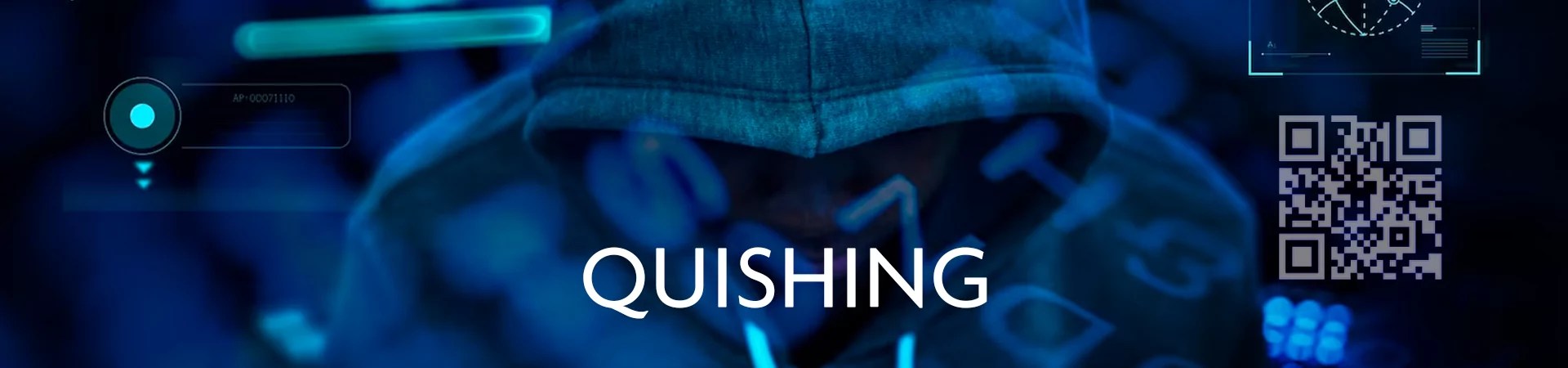
What is quishing?
Quishing, or QR phishing, is a cybersecurity threat in which attackers use QR codes to redirect victims to malicious websites or prompt them to download harmful content. The goal of this attack is to steal sensitive information, such as passwords, financial data, or personally identifiable information (PII), and use that information for other purposes, such as identity theft, financial fraud, or ransomware.
This type of phishing often bypasses conventional defenses like secure email gateways. Notably, QR codes in emails are perceived by many secure email gateways as meaningless images, making the users vulnerable to specific forms of phishing attacks. QR codes can also be presented to intended victims in a number of other ways.
MISHING: https://medicalexecutivepost.com/2025/02/28/mishing-a-mobile-first-phishing-technique/
What are QR codes?
QR codes, or Quick Response codes, are two-dimensional barcodes that can be scanned easily with a camera or a code reader application. The main component of a QR code is data storage. QR codes have the capability to store significant amounts of information including URLs, product details, or contact information. Scanning technology allows smartphone cameras or code readers to easily and quickly access the website to which the URL points.
SMISHING: https://medicalexecutivepost.com/2025/01/08/smishing-beware-scams/
How does quishing work?
In a quishing attack, the attackers create a QR code and link it to a malicious website. Typically, the attacker will embed the QR code in phishing emails, social media, printed flyers, or physical objects, and use social engineering techniques to entice the victims. For example, victims might receive an email urging them to access an encrypted voice message via a QR code for a chance to win a cash prize.
Upon using their phones to scan the QR code, victims are directed to the malicious site. The site may prompt victims to enter private information, such as login information, financial details, or personal information. In the example above, the site may request the user’s name, email, address, date of birth, or account login information.
Once this sensitive information is captured, attackers can exploit it for various malicious purposes, including identity theft, financial fraud, or ransomware.
COMMENTS APPRECIATED
Like and Confirm
***
***
Share this:

Filed under: CMP Program, Ethics, Glossary Terms, Information Technology, LifeStyle | Tagged: AI, cloudflare, CMP, Cyber Security, cybersecurity, email, exploitation, Mishing, phishing, PII, QR, QR code, QR scams, QRphishing, Quishing, scams, security, smishing, Technology | Leave a comment »


 The Leading Business Education Network for Doctors, Financial Advisors and Health Industry Consultants